
















We’ll move your website, emails and essential settings to Aspirium, carefully, securely and with no downtime.
All your files, databases and content are copied securely so your site works exactly as it should.
We migrate your mailboxes, emails and folders so you don't miss a thing.
We transfer your SSL certificate and configure DNS settings for a smooth and secure switch.
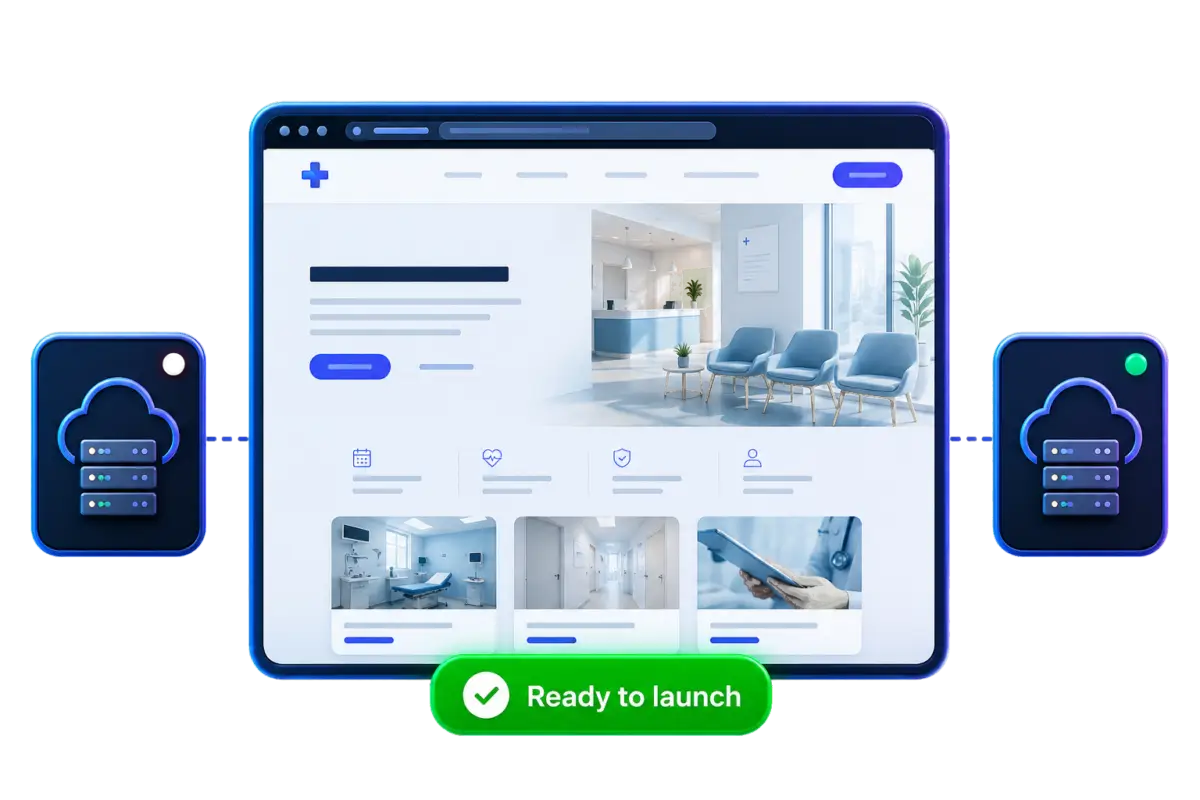
We test everything in a private environment so we know it's perfect before it goes live.
Pick the right Aspirium hosting plan for your clinic. Our team is here to help you choose.
Share a few details about your current host and we'll take care of the rest.
Preview your site on our private test environment, approve it, and we'll make it live.
We copy your website and test it privately on our servers first. When everything looks and works perfect, we switch your DNS at the agree time. Fast, clean and with minimal disruption.
Most migrations are completed in 24-48 hours.
Your site stays live while we work.
All messages and folders come with you.
We can migrate from almost any host.
Move as many sites as you need.
Real people who care and respond quickly.
Choose your hosting plan and we’ll take care of the move – completely free.
Yes — we can migrate your website from virtually any hosting provider, as long as we have the required access. We regularly handle migrations from providers such as 20i, Tsohost, DreamHost, IONOS and many others.
We can usually begin your migration straight away. However, if we’re experiencing a high volume of requests, or your current host is particularly slow, it may take a little longer. If you need your migration to take place at a specific time, please schedule it with us at least 24 hours in advance.
We’ll need access to your existing hosting control panel and/or FTP details so we can securely retrieve your website files. If you’d like us to migrate email from a platform outside of cPanel, we’ll also need the current mailbox passwords to perform an IMAP copy.
No, your website and emails won’t go down during the migration. Your site will remain live on your current hosting until the transfer is complete, and we’ll then update your nameservers to point to Aspirium. This means there’s no interruption and your website remains accessible throughout.
Once your migration is complete, we’ll let you know it’s time to switch your nameservers across. If your domain is managed with us, we can make this change on your behalf. Once you’ve confirmed everything has transferred correctly and your website is working as expected, you can then cancel your service with your previous provider. At that point, you’ll be fully live with Aspirium.